Til sidens indhold

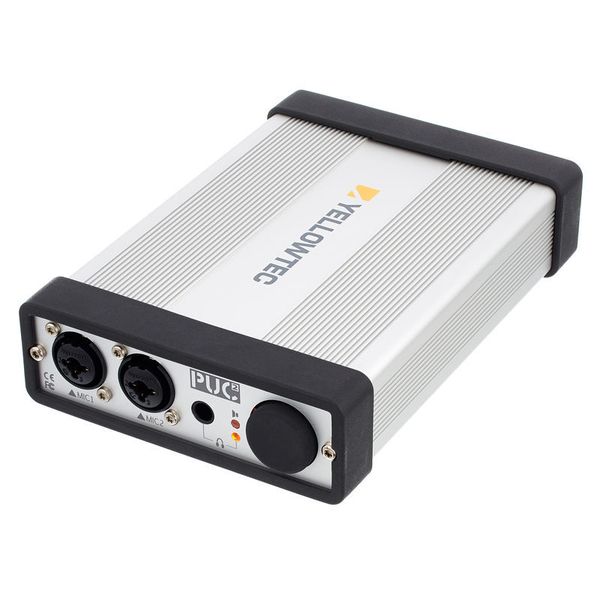
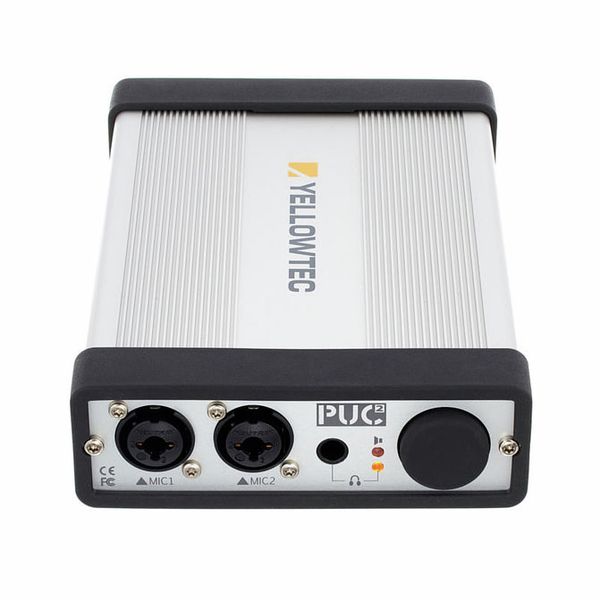
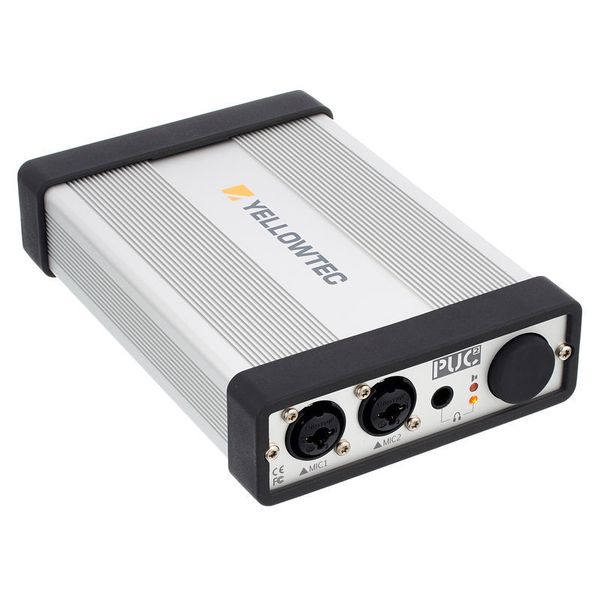
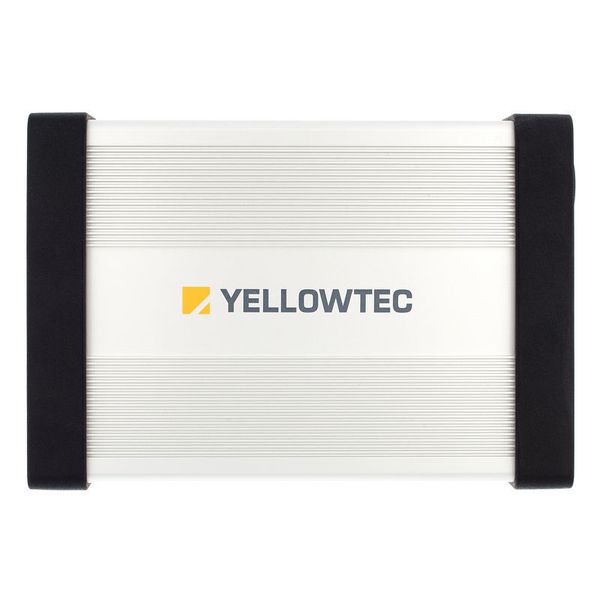
USB Audio Interface

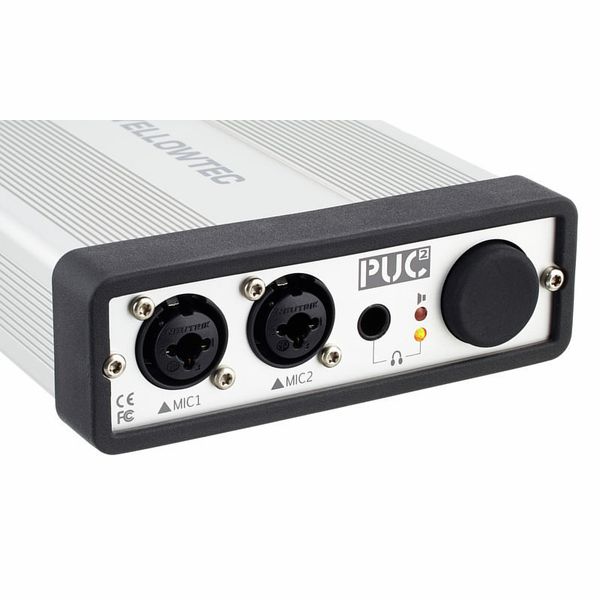
  • Integrated real-time LEA DSP engine for voice recordings
  • The LEA Engine guarantees a perfect recording level without artefacts, unlike conventional standard AGCs or limiters.
  • Plug and Play with Windows, Mac and Linux
  • High audio quality up to 192 kHz / 24 bit
  • Supports zero latency monitoring
  • Dynamic range: 114 dB
  • Input noise: -129 dB
  • Can be used as a standalone A/D converter with two LEA level engines and two preamps
  • Extended ASIO driver
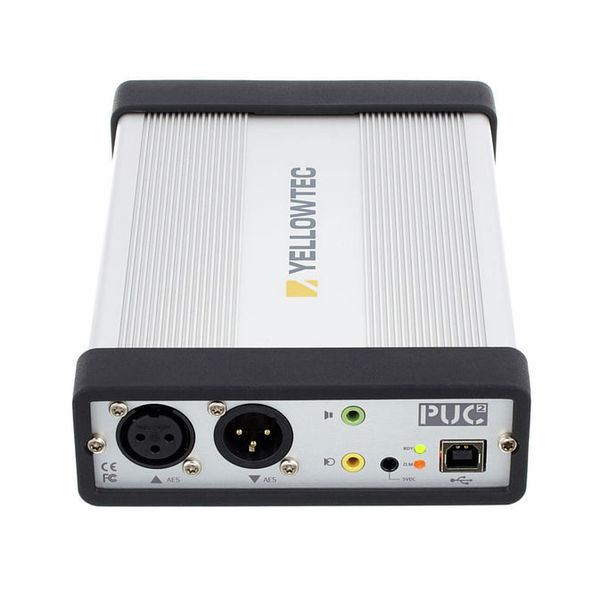
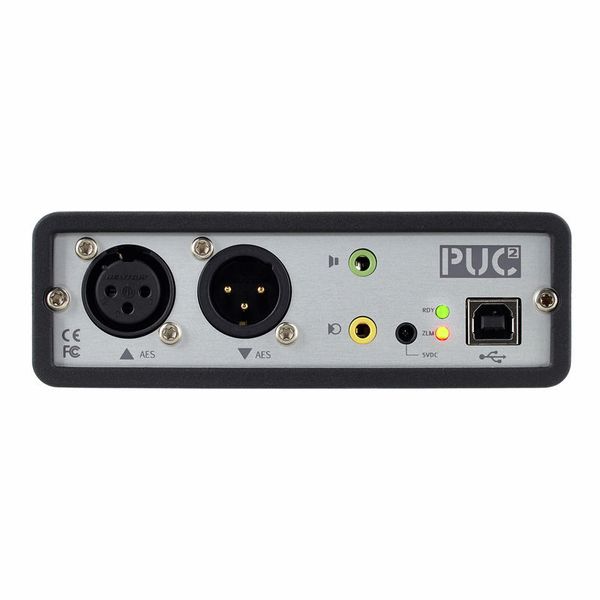
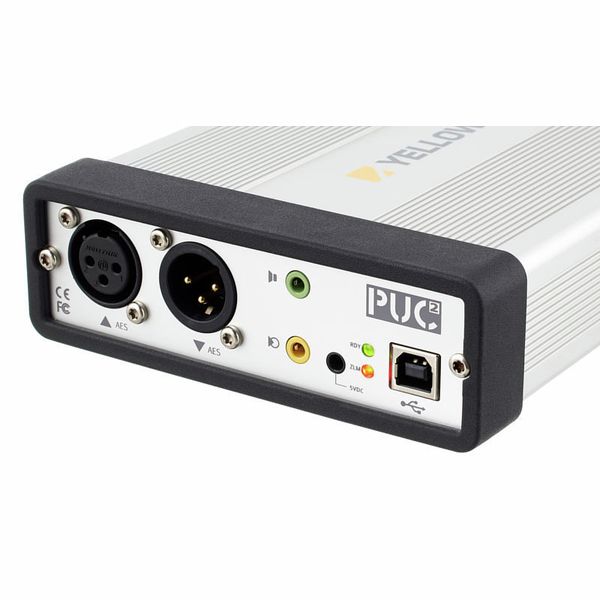
  • AES/EBU input and output
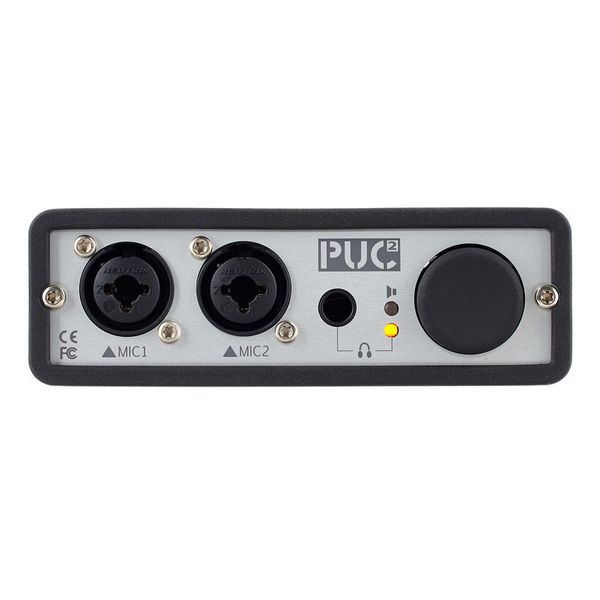
  • Two XLR microphone or line inputs
  • Headphone output
  • Unbalanced line output: 3.5 mm jack
  • Dimensions (D x W x H): 185 x 127 x 41 mm
  • Yellowtec no. YT4221
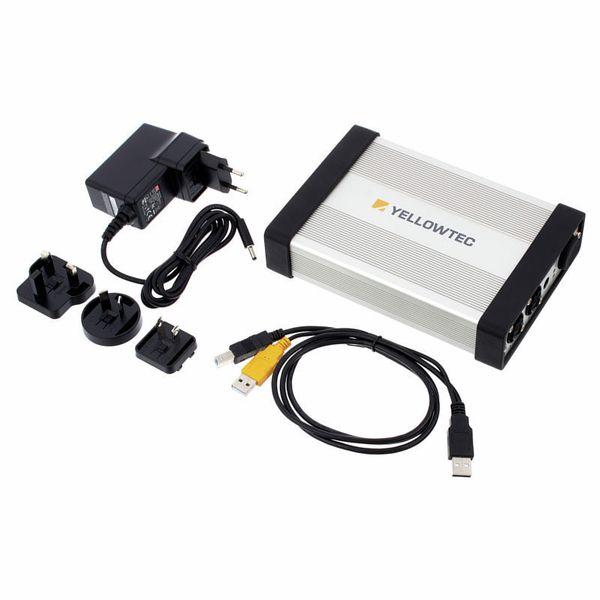
  • Includes power supply and USB cable
  • Fås siden Januar 2013
  • Artikelnummer 294227
  • salgsenhed 1 stk
  • Recording / Playback Channels 2x2
  • Number of Mic Inputs 2
  • Number of Line Inputs 2
  • Instrument Inputs 0
  • Number of Line Outs 0
  • Headphone Outs 2
  • Phantom power Yes
  • Number of S/PDIF Connectors 0
  • Number of ADAT Connectors 0
  • Numer of AES/EBU Connectors 1
  • Number of MADI Connectors 0
  • Ethernet 0
  • Other Connectors No
  • MIDI interface No
  • Word Clock No
  • Max. sample rate (kHz) 192 kHz
  • Max. resolution in bit 24 bit
  • USB Bus-Powered No
  • Incl. power supply Yes
  • USB Version 2.0
  • Width in mm 185 mm
  • Depth in mm 127 mm
  • Height in mm 41 mm
  • Connection Format USB port Type B
  • Included in delivery USB cable, Power cord
  • Zero latency monitoring Yes
6.899 kr
Alle priser inkl. moms
på lager
1

1 Kundebedømmelser

5 / 5

betjening

features

lyd

forarbejdning

1 Anmeldelse

google translate gb
Der opstod en fejl. Prøv igen senere.
A
It's very nice
Anonym 31.01.2015
I have a audio interface it's called tascam us-200 before. It's stable but the quality is not good. I like singing so I need a better interface. yellowtec puc2 mic is very suitable for me. Although it doesn't have enough inputs and outputs, just for recored sound it's enough.I have a problem that only when I use the record software I can open the asio driver and choose the 24bit to record, otherwise it's showing that is WDM and the highest record is 16bit 192khz. I don't why. But it doesn't matter when i use it.
forarbejdning
features
betjening
lyd
3
1
Anmeld bedømmelse

Anmeld bedømmelse