


Apogee Symphony Desktop
4.8 ud af 5 stjerner fra 27 kundebedømmelser
()

Start 360°
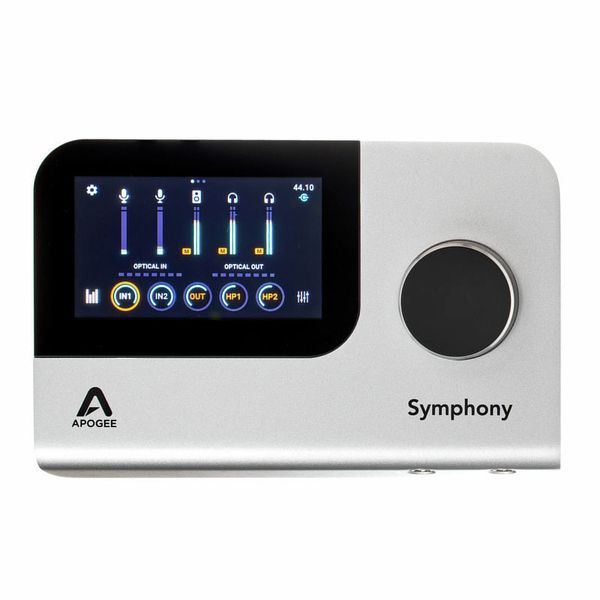
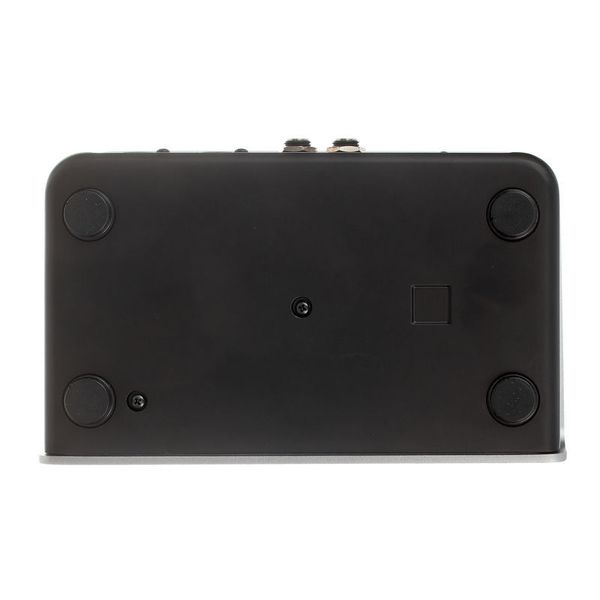


USB-C Audio Interface
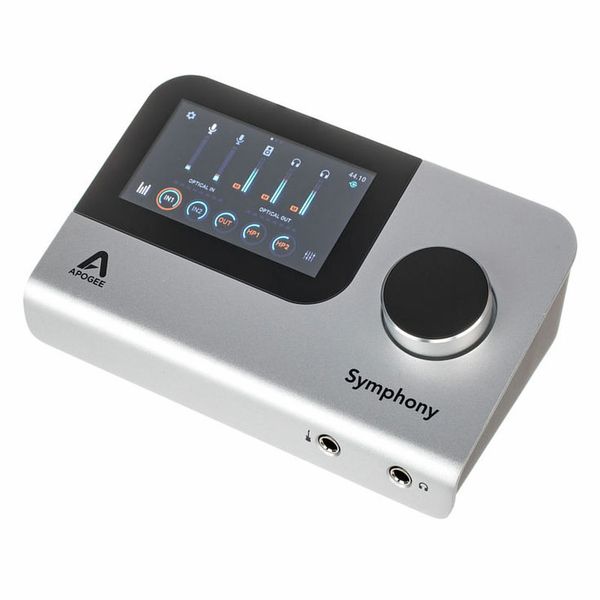
- 10 In x 14 Out desktop audio interface with high-quality converters and circuit designs from the Symphony series
- 2 Microphone preamps with up to 75 dB of gain and variable impedance
- DSP processing for preamp emulations (British Solid State & 50s American Tube) and Symphony ECS Channel Strip (EQ, compression, saturation)
- 24-Bit/192 kHz
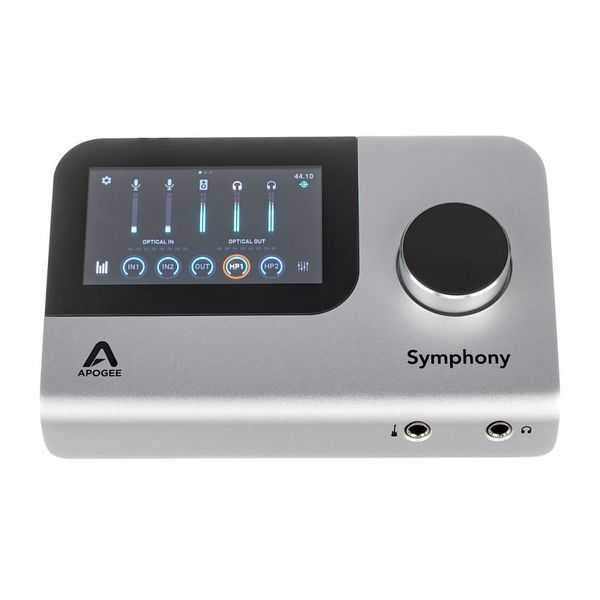
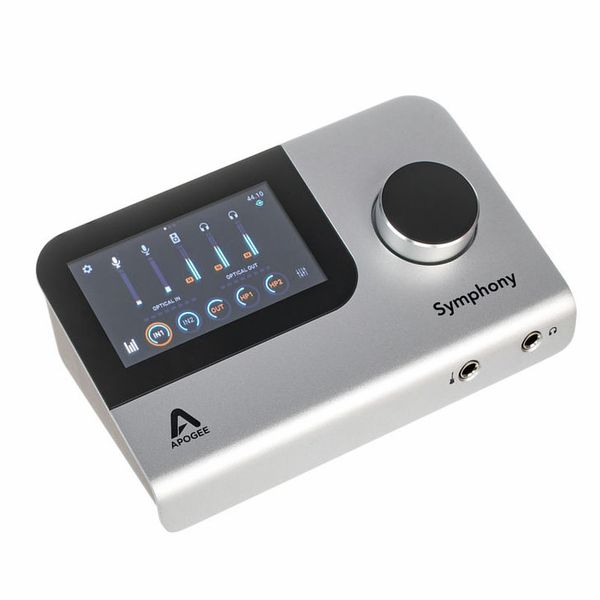
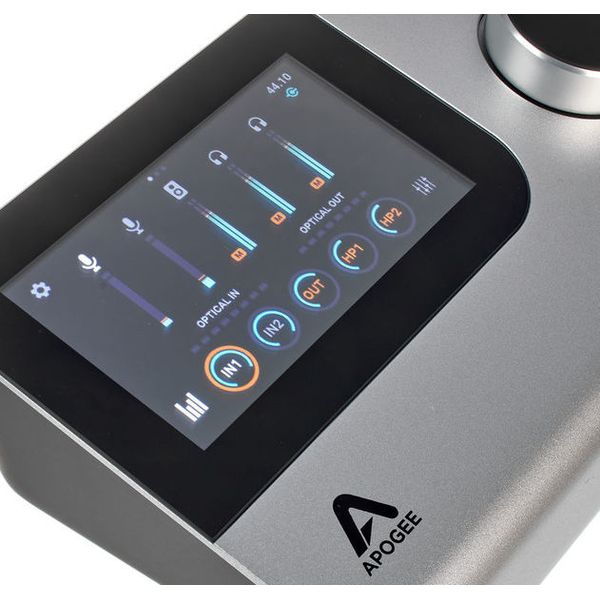
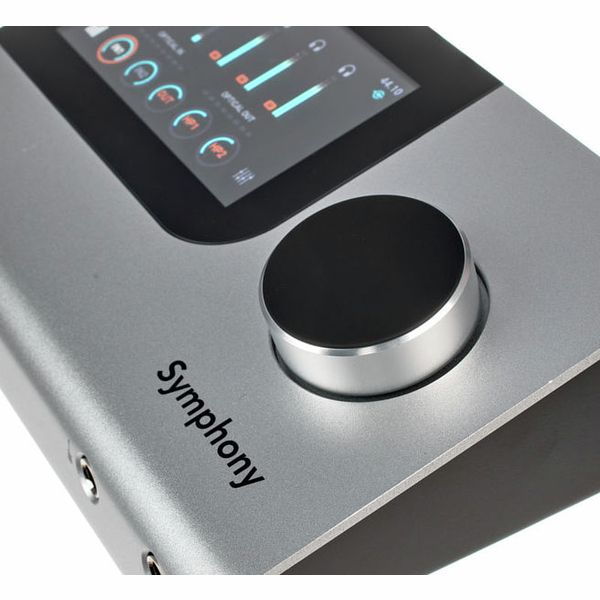
- Dynamic touch screen display
- MIDI via USB
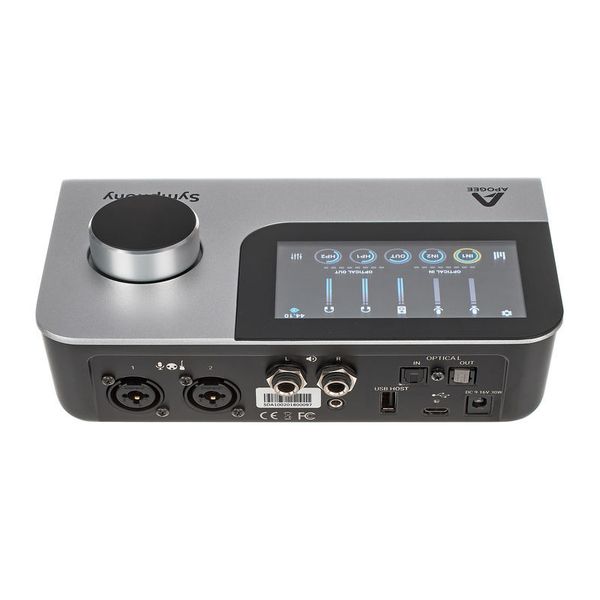
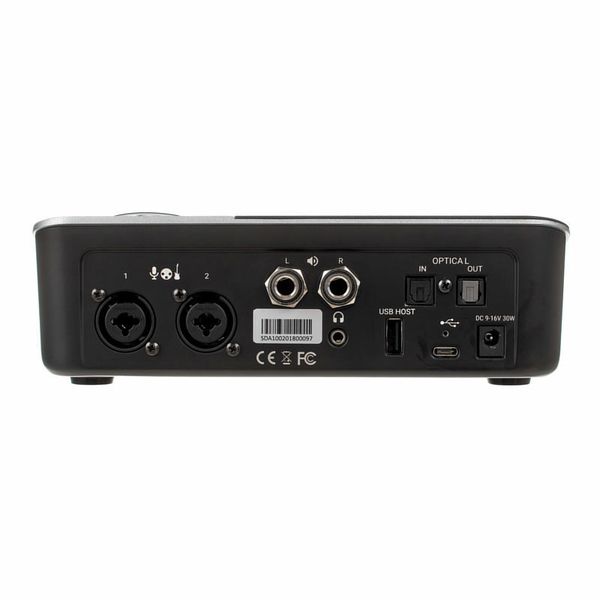
- 2 Mic/Line inputs (XLR / TRS combo connector)
- DI Instrument input with FET input stage (6.3 mm TS jack)
- 2 Monitor outputs (6.3 mm TRS jack)
- 2 Assignable stereo headphone outputs (3.5 mm & 6.3 mm TRS jacks )
- Optical input/output (ADAT & S/PDIF)
- USB-A host port and USB-C port
- System requirements: from macOS 10.13, from Windows 10 Anniversary, from iOS 13 (iPad Pro)
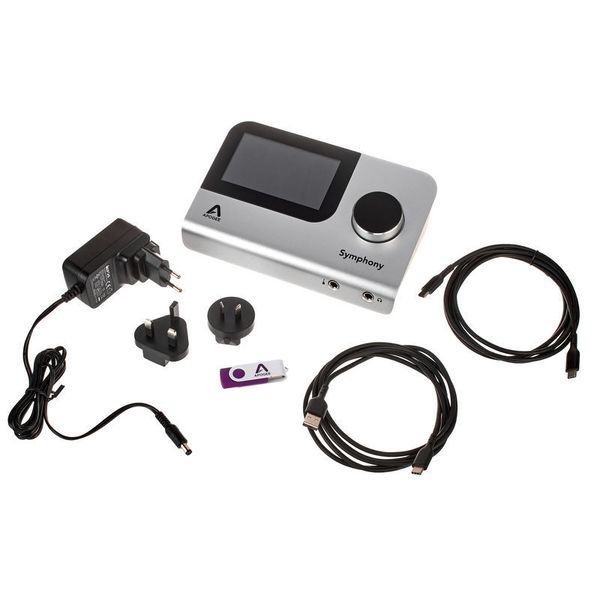
- Includes Symphony ESC Channel (native), Symphony Reverb (native), power supply (12 V DC), and 2 USB cables
- Dimensions: 199 x 125 x 64 mm (W x D x H)
-
Fås siden Oktober 2020
-
Artikelnummer 483382
-
salgsenhed 1 stk
-
Recording / Playback Channels 10x14
-
Number of Mic Inputs 2
-
Number of Line Inputs 2
-
Instrument Inputs 2
-
Number of Line Outs 2
-
Headphone Outs 2
-
Phantom Power Yes
-
Number of S/PDIF Connectors 1
-
Number of ADAT Connectors 1
-
Numer of AES/EBU Connectors 0
-
Number of MADI Connectors 0
-
Ethernet 0
-
Other Connectors USB
-
MIDI interface No
-
Word Clock No
-
Max. Sampling Rate in kHz 192 kHz
-
Max. Resolution Rate in Bits 24 bit
-
USB Bus-Powered No
-
Incl. power supply Yes
-
USB Version 2.0
-
Width 199 mm
-
Depth 125 mm
-
Height 64 mm
-
Connection Format USB port Type C, Type A
-
Included in delivery Power Supply, USB-A to USB-C Cable, USB-C Cable
-
Zero latency monitoring Yes
-
Pakker & tilbud

Kunder som så på dette produkt købte dette

Tilbehør og matchende produkter

Sammenlign valgmuligheder
-
Apogee USB audio interfaces vises her
-
Vis USB audio interfaces i priser fra 9000 kr - 9500 kr
-
til produktgruppe USB audio interfaces
-
til produktgruppe Audio interfaces
-
til produktgruppe Studie- og recording-udstyr
-
Her er informationer til producenten Apogee
-
Apogee Studie- og recording-udstyr vises detaljeret